
IT support
Information about computer support and hardware and software services.
WEBSITE · IT SERVICES
A website presenting IT support, hardware and software, business networks, and office solutions.
Colors, imagery and journey ↓Visit websiteOpens the website in a new tab.
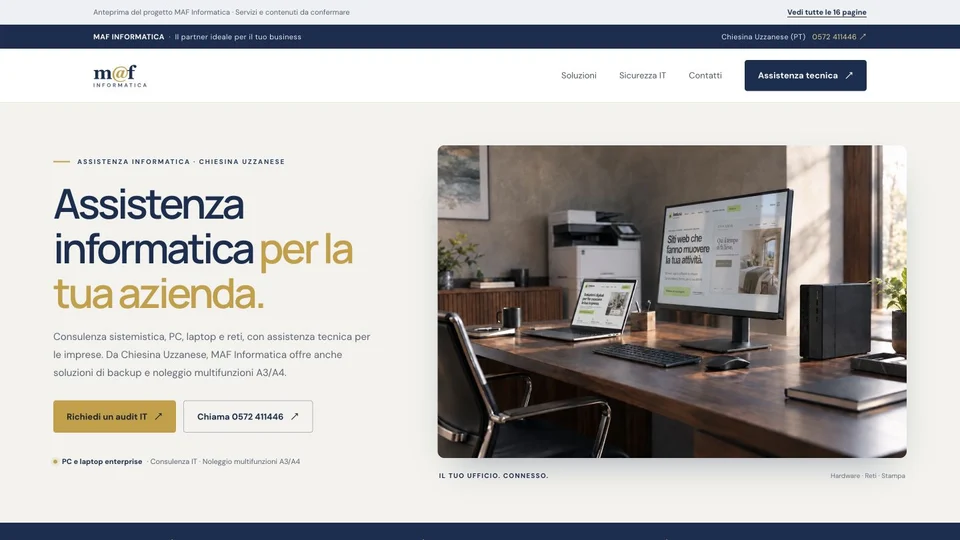
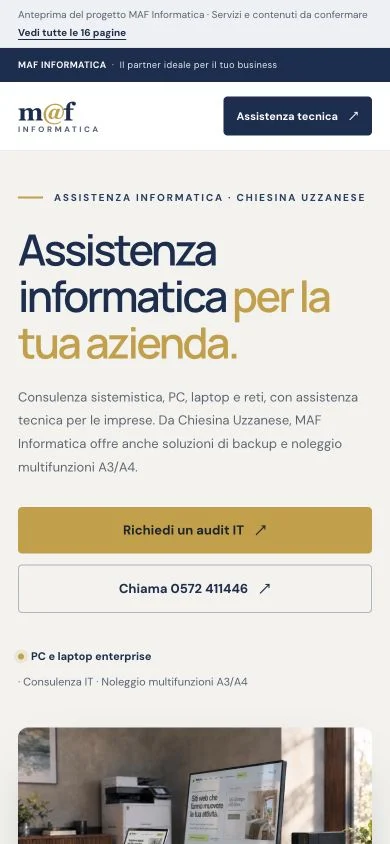
Information about computer support and hardware and software services.
A dedicated overview of networking services for businesses.
Office tools and printing solutions, presented alongside the other services.
I can see what MAF offers and how to ask for support.
Businesses, professionals and people looking for IT support and office solutions.
The main colors of the screens shown here: the reasoning behind each choice and the character they give the project.
Clear headings and short text distinguish technical services from practical information. The service name provides the first reading cue.
The office photograph gives the business a tangible setting. Desktop and smartphone screenshots show how the content adapts to both formats.
These steps describe the project presented here, with the status and limits stated on this page.
The introduction presents support, networks and office solutions before the details.
Dedicated areas help visitors find the service that fits their request.
Contact details and actions support requests for information or assistance.