
Community
A space for cosplay and shared interests.
APP · INTERNAL PROJECT
An app for cosplay and collecting, bringing events, community, and listings together in one place.
Colors, imagery and journey ↓An internal Kreluna project for the people and interests that make up the cosplay and collecting communities.
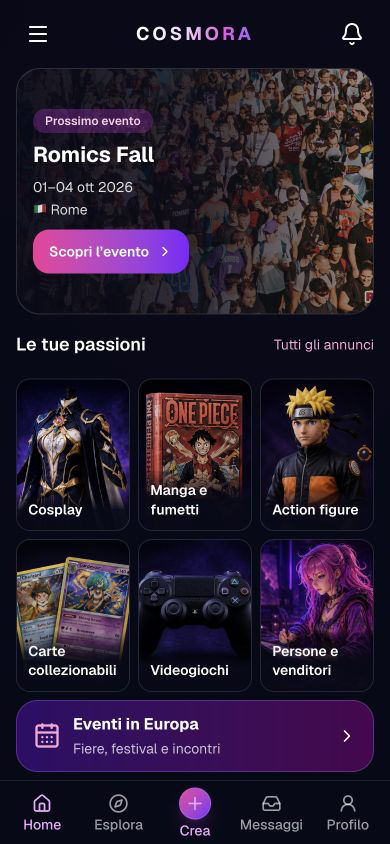
A space for cosplay and shared interests.
Events alongside community content.
An area of the app for collecting and listings.
I find a recognizable space for events, cosplay and shared interests.
People interested in cosplay, events, community and collecting.
The main colors of the screens shown here: the reasoning behind each choice and the character they give the project.
Short, prominent headings distinguish events and content. Secondary information such as location and date supports the choice without competing with the title.
Event and content images give costumes, characters and collections room to stand out. The dark background and colorful accents give the different areas a shared identity.
These steps describe the project presented here, with the status and limits stated on this page.
The presentation connects events with the community’s interests.
Community, events and listings organize different interests into recognizable spaces.
The App Store link lets visitors view the listing and download the available version.